Encrypted storage where every vault has its own password.
A leaked password opens one vault at most. Ciphroh keeps your files in end-to-end encrypted vaults: each one is encrypted on your device before anything is uploaded, and opens only with its own password or recovery key. We store the encrypted data. We cannot read it, and we cannot reset your password.
No card needed to start. Plans from $2.50 / month.
One password does not open everything.
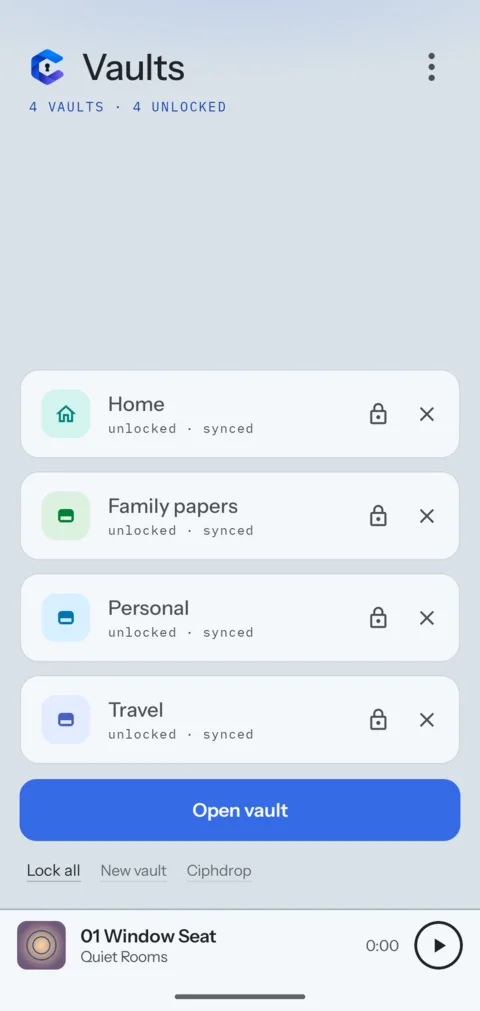
In most cloud storage, whoever gets into your account gets all your files. Here your account pays for space and opens your home vault. Every other vault needs its own password or its 12-word recovery key, so a leaked email or account password does not open them.
- Encryptionon your device, before upload
- CipherAES-256-GCM, a new key for every file
- Password checkArgon2id, 1 GiB of memory per guess
- What we storeencrypted files with random names
- Password resetnone, your recovery key is the way back
- Leavingexport your files as plain ZIP files, on any plan
A notebook, a music player and a gallery, inside each vault.
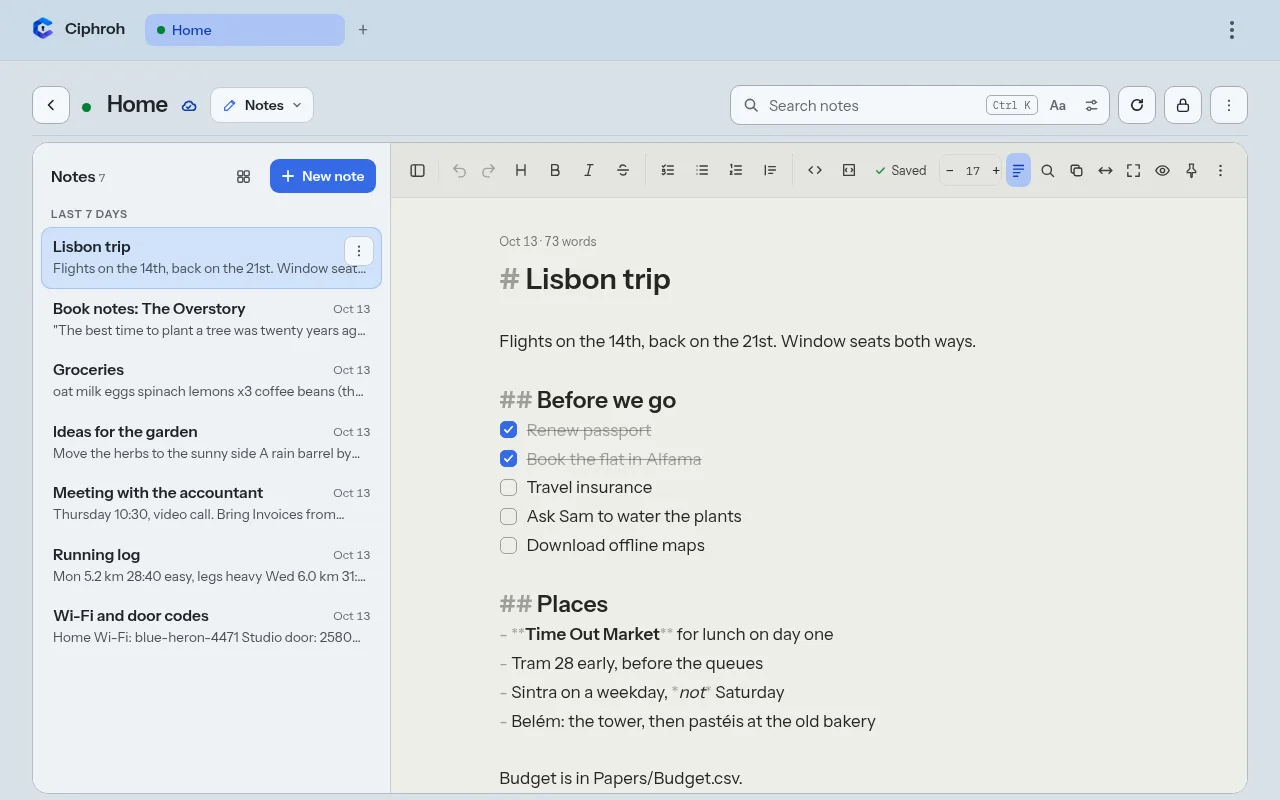
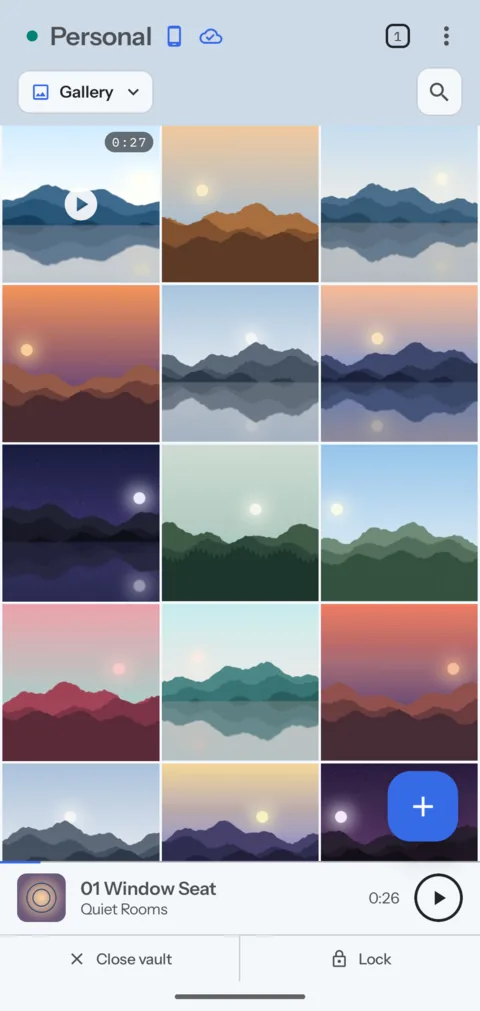
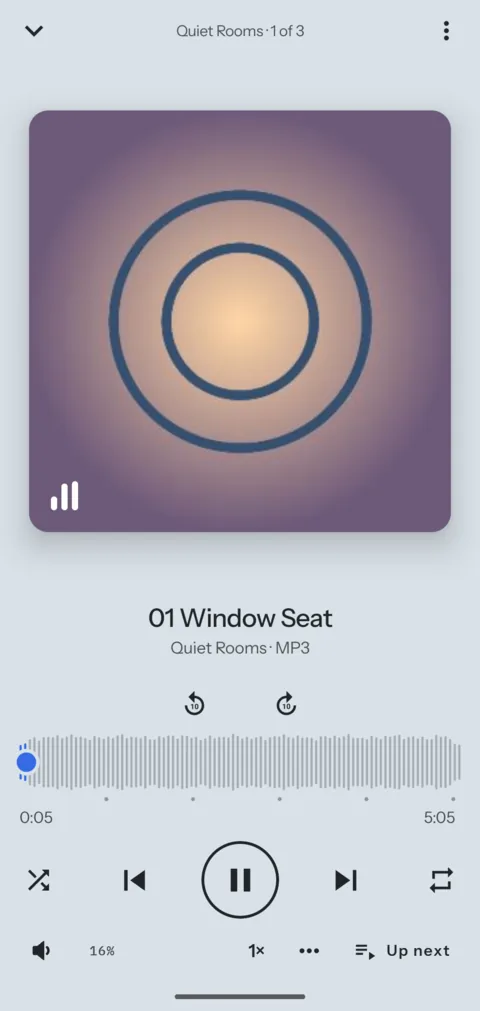
Each vault can show its files as a folder list, a gallery, a music player or a notebook. Viewers, players and sharing all work inside it, so a file rarely needs to leave.
Notes
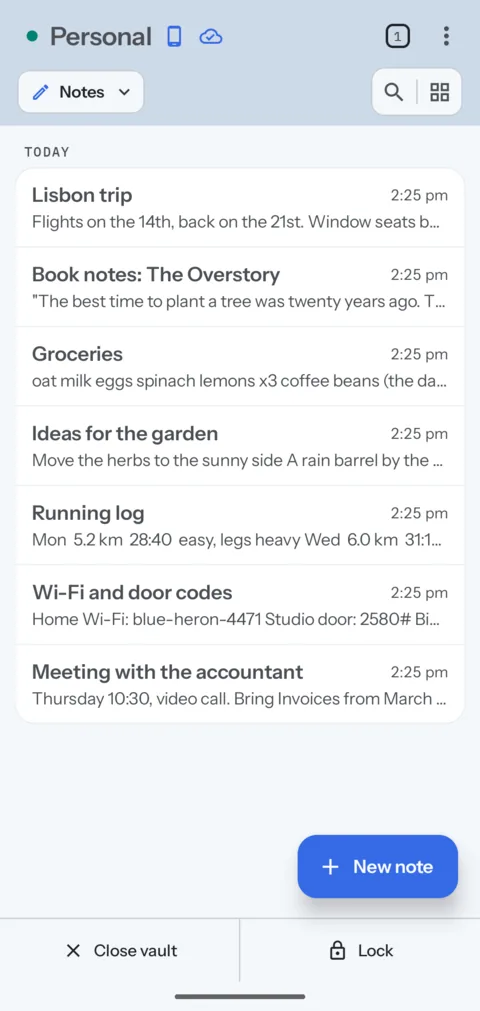
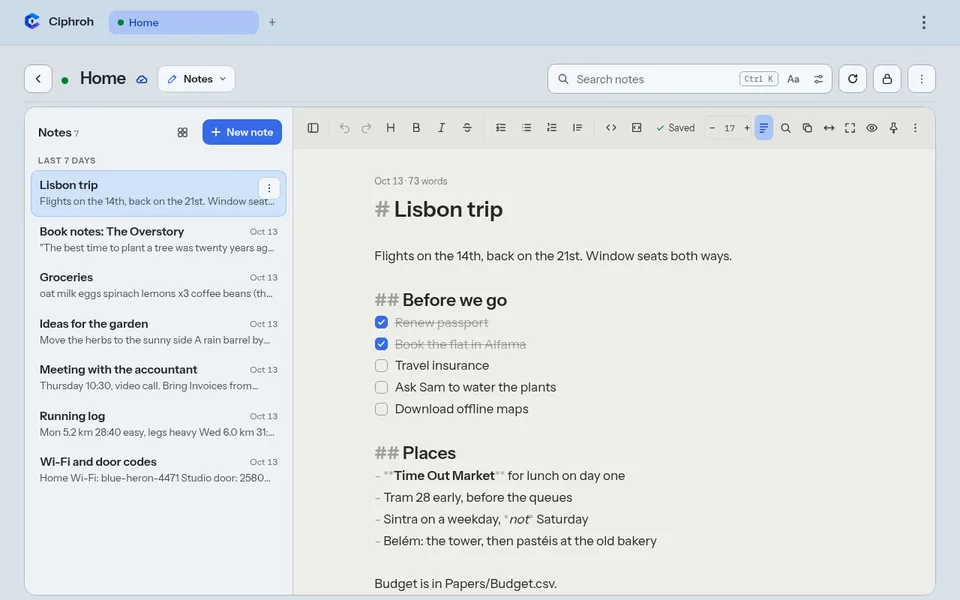
Plain text or Markdown, with checklists and pins. Type on the phone and the words show on the computer a moment later.
Music and recordings
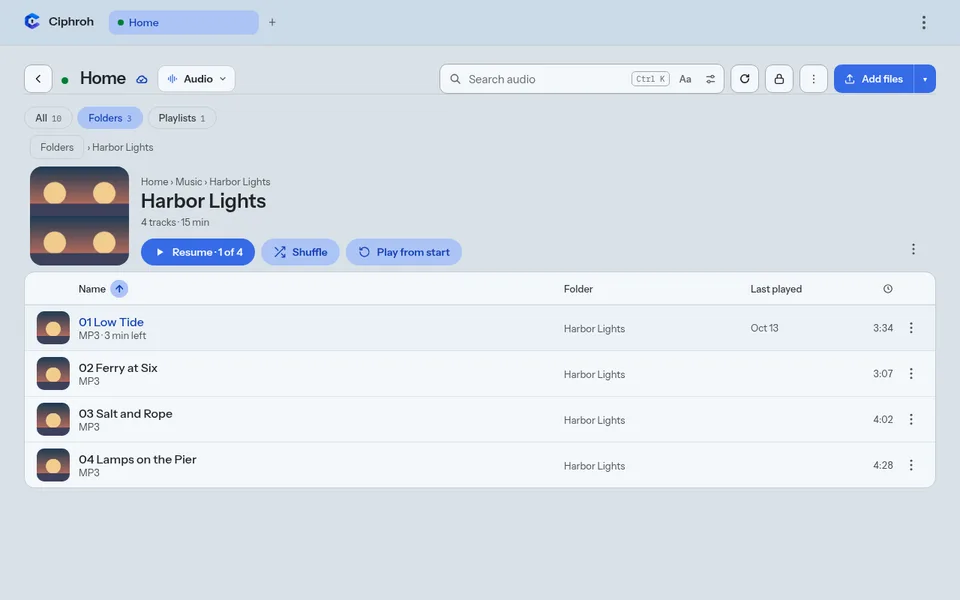
Folders with their covers, playlists, and the tracks you didn't finish. It keeps playing with the screen off.
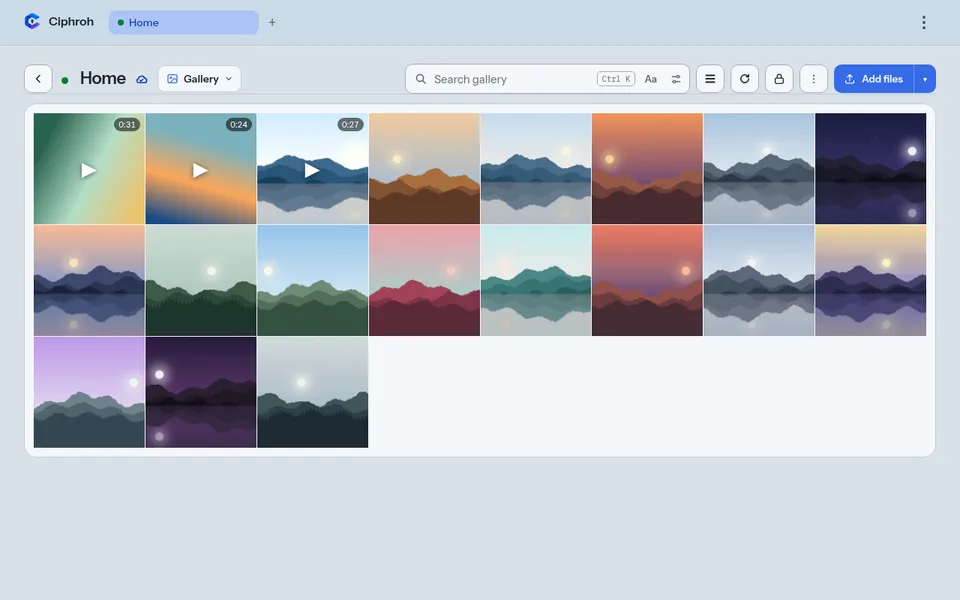
Photos and video
A gallery of every photo and video. Video streams, so you can skip ahead before the whole file arrives.
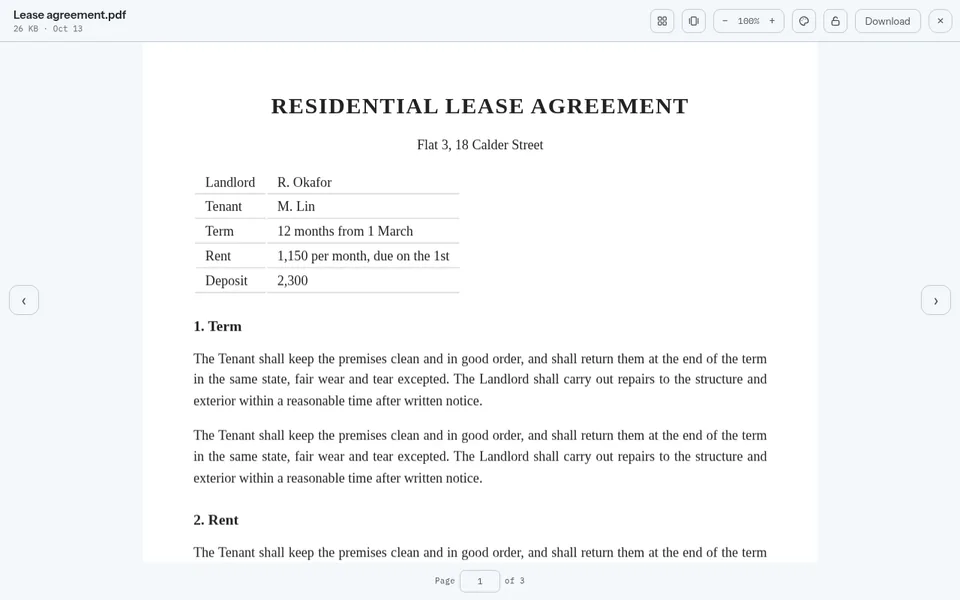
Documents and books
PDF, EPUB, text, tables and ZIP files open in the app, in the paper colour you like.
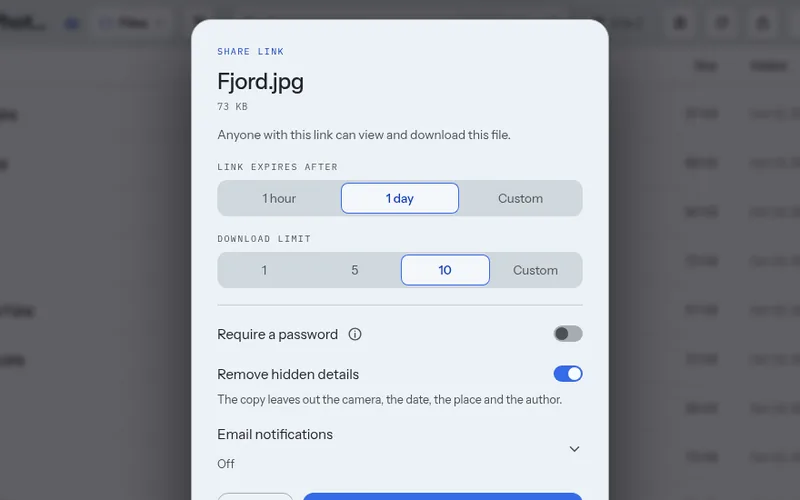
Share files with expiring links
Share one file with a link that ends after a time or a number of downloads, with a password if you want one.
Ciphdrop
Send files from your device behind one link, without putting them in a vault first.
The web app now. Android soon.
The web app runs in a current browser on a computer or a phone, with nothing to install. The Android app is coming soon to Google Play, with the same account and the same vaults.
- Open on both at once. A vault can be open on your phone and your computer together. Changes show on the other device as they happen.
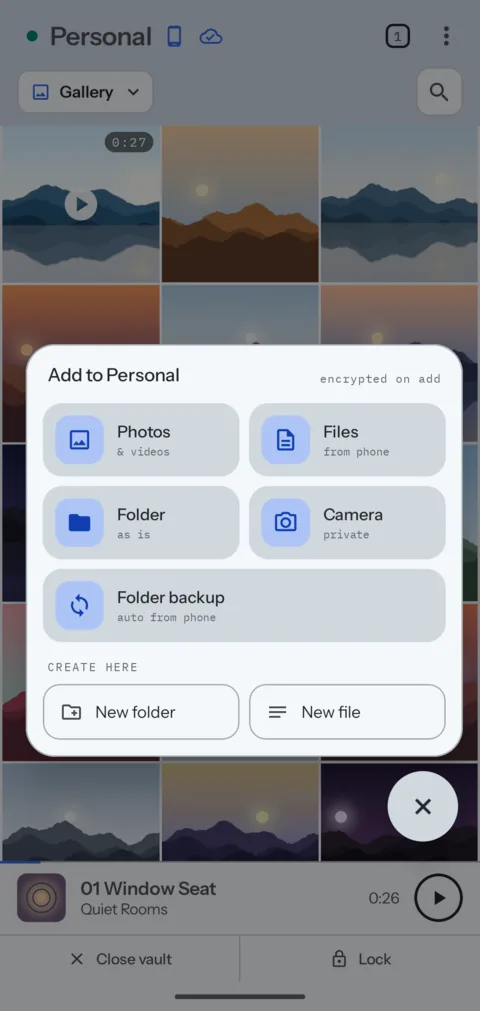
- Folder backup, in the Android app. New photos in a phone folder go into a vault by themselves, even while the vault is locked.
- Works offline, in the Android app. A vault with a phone copy opens with no signal and syncs when it can.
You pay for storage, not for features.
Every plan has every feature. Free share links last up to 24 hours. Only cloud copies count toward your storage, so vaults kept only on a phone are free.
Pay by card, or in Bitcoin with 10% off for 1 to 12 months. Bitcoin prices
See all sizesWhat Ciphroh cannot do.
- If you lose a vault's password and its recovery key, nobody can open that vault again. That includes us.
- Malware that controls your phone can see what you open while a vault is open.
- Ciphroh cannot remove copies that already exist elsewhere, such as a photo your gallery app uploaded before you moved it into a vault.
- In the Android app, your home vault opens with a tap on your own phone. The phone's screen lock guards it, so keep sensitive files in a vault with its own password.
Try it free for three months. No card.
3 GB of storage. After three months your files stay, and you pick a plan to add more.